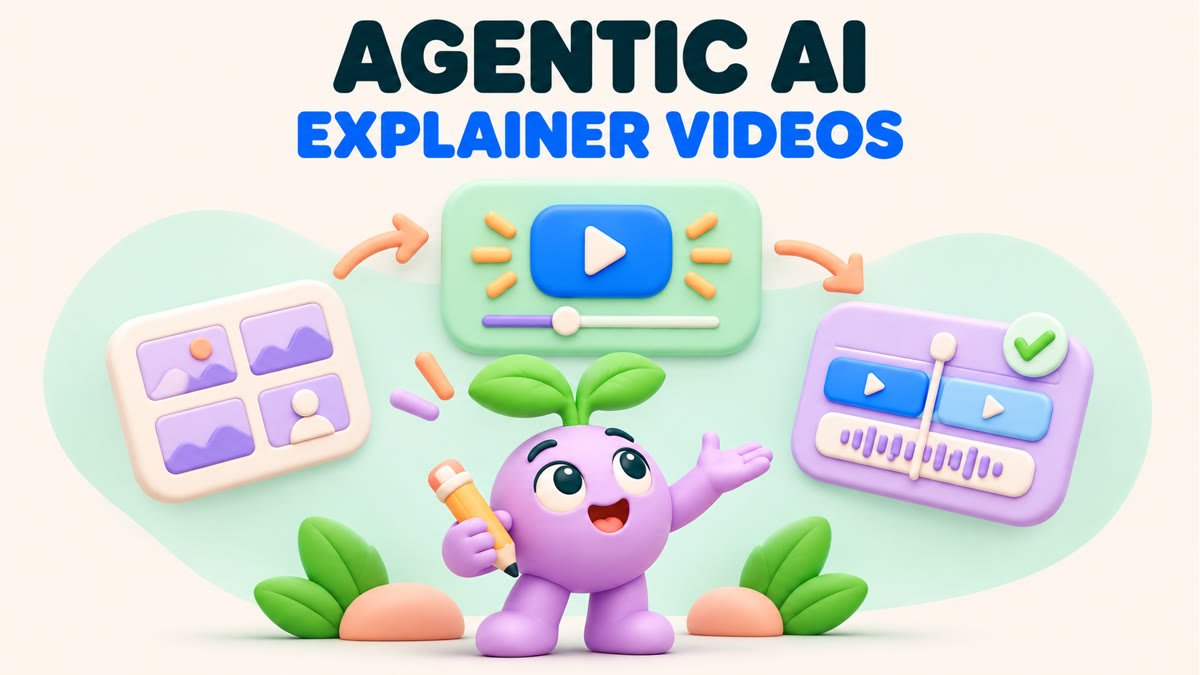
Agentic AI video production means using an AI assistant to coordinate connected production tasks from a brief, rather than generating every asset through a separate prompt. Depending on the tool, that can include developing scene ideas, preparing visuals, assembling a draft and adapting versions. For an explainer video, the useful question is which tasks this approach can support while keeping the product story clear, accurate and easy to revise.
A convincing clip is one part of the job. A business video also needs an audience, an approved message, understandable visuals and a next step. This guide explains a practical AI explainer video workflow for marketing teams commissioning a new video or updating an existing one.
Why agentic AI is a timely topic in video production
On 10 November 2026, Adobe announced an expansion of its Creative Agent across Firefly. Its announcement describes natural-language direction across creative tools and AI models, alongside planning and storyboard capabilities. Firefly AI Assistant and Firefly Graph are labelled beta. These are vendor-announced capabilities, with availability and limits to check before planning a project around them.
Source: Adobe's November 2026 Firefly announcement
A related production development is asset reuse. On 20 November 2026, Google announced an Assets section in Google Vids for reusing images, video and audio in generation within the same project. Its rollout is phased, so access may vary. This is an asset-management feature, rather than evidence of a complete agentic production system.
Source: Google Vids media-reuse update and rollout details
Our takeaway from these announcements is that connected workflows deserve attention alongside individual generated shots. For businesses, their practical value will depend on whether the final video communicates the right message and remains manageable when feedback arrives.
What changes when AI helps coordinate the workflow?
In a prompt-by-prompt process, someone manually carries the brief, references and decisions between tools. An agentic approach can help plan related steps and pass work between supported tools. The exact level of automation varies. Ask a production partner to show what their system actually does, which outputs remain editable and where a person reviews the work.
Set responsibilities early. AI may help propose alternatives or prepare drafts; the creative lead selects the direction, the product owner checks the facts and the editor shapes the finished story. That division gives feedback a clear destination.
A six-step AI explainer video production workflow
1. Approve the message before generating scenes
Start with one audience, one problem and one action. A finance director evaluating software needs a different explanation from a new employee learning a task. Give the production team confirmed product facts, existing brand assets and a clear description of what the viewer should understand. Separate verified claims from ideas that still need checking.
Write a one-sentence promise for the video. For example: show facilities coordinators how to assign a maintenance check and see its next step. Use that sentence to judge whether a proposed scene belongs in the story.
2. Connect every script section to a visual purpose
An AI assistant can help explore script structures or scene ideas. Review them against the brief, then pair each approved narration section with what the audience needs to see. A line about assigning work might show an owner being selected in the interface. A line about visibility might show a clear task status.
Approve a storyboard before polishing animation. This gives everyone a shared view of the sequence and makes it easier to spot a missing explanation while changes are still straightforward.
Related guide: What to plan in an explainer video storyboard
3. Prepare a small library of approved assets
Supply the current logo, colour values, character references, product screenshots and approved terminology. Identify which files are current. Include a few clear style examples rather than a folder of conflicting references. These materials give both the creative team and supported AI tools a more precise starting point.
Keep exact product screens and brand elements available as original files. A reference image can guide a generated shot, but it should not replace the source assets needed for a precise interface or a future revision.
Related guide: Keeping AI video characters and products on-brand
4. Choose the right production method for each scene
Consider AI generation for exploratory imagery, backgrounds or supporting shots that do not require exact interface behaviour. Use editable motion graphics or screen-based production when the viewer must read a label, follow a cursor or understand a specific product action. Select the method according to the scene's job.
For a recurring character, test a short sequence before committing to the full film. Check whether the chosen approach can maintain its appearance through the required poses and camera changes. A custom character rig may suit a project with precise expressions and repeated revisions.
5. Shape the edit around understanding
Review the draft as a first-time viewer. Does each visual arrive when its narration needs it? Can someone read the important text on a phone? Does the sequence explain the action, or simply decorate the voiceover? Let essential moments breathe and remove shots that compete with the message.
Check captions, voiceover pronunciation, music balance and transitions together. Then ask someone unfamiliar with the product to describe what it does and what they would do next. Their answer is a useful clarity check before final approval.
6. Approve the master before making campaign versions
Collect feedback in one place and name a person who can resolve conflicting comments. Confirm the script, product visuals and final edit before preparing additional formats. For each cutdown, choose a specific message and action rather than removing scenes until the video fits a shorter duration.
Agree on handover: final exports, caption files, approved assets and the editable project materials included in the scope. Ask which generated elements would require regeneration if the product or campaign changes later.
Example: explaining a B2B maintenance dashboard
Consider a fictional software company explaining a maintenance dashboard. The audience is a facilities coordinator juggling checks across spreadsheets. The video should show how to schedule a check, assign its owner and identify the next task. This is an illustrative workflow, not a client result.
- Opening: show the coordinator trying to locate the next check across several documents.
- Product sequence: animate the approved interface through scheduling, ownership and task status.
- Supporting visuals: explore AI-assisted background concepts while keeping the interface editable.
- Review: have the product owner verify every screen and the editor test the sequence with narration.
- Closing: invite the viewer to see a relevant demo or explore the workflow.
The story has a visible before-and-after without inventing a time-saving percentage. The product behaviour provides the evidence, and each production method has a specific role.
Questions to ask before commissioning an AI explainer video
- Which parts will use AI, custom animation or real product screens?
- Can we review the script and storyboard before detailed production?
- How will you handle exact text, logos and interface actions?
- What happens if a generated character or scene needs a revision?
- Which formats, captions, source files and revision rounds are included?
- Who approves the product facts and finished video?
Compare proposals against the same deliverables and review process. A lower initial quote may cover a different level of scripting, editing or revision support. Ask for a scope you can assess rather than judging the project by its tool list.
Related guide: How to compare explainer video production quotes
Frequently asked questions
Can agentic AI create an entire explainer video?
Some tools support multiple stages, but the result depends on the brief, required accuracy and available editing controls. Assess a complete sample against your own needs. Plan human review for the story, product claims, visual clarity and final delivery.
Does AI always reduce video production costs?
No. Generation attempts, cleanup, editing and revisions all affect the work involved. AI can be useful for particular tasks, but a dependable estimate needs an agreed scope. Compare the total production and update process, including any custom animation the video requires.
How can we keep an AI-assisted video editable?
Keep narration, captions, logos and key interface elements separate where practical. Agree on access to project files and document which shots are generated clips. A rendered clip alone does not provide the same control as an animation project with editable layers.
Plan an explainer video around your product story
Anigem Studio creates explainer videos and motion design for businesses. Share your audience, product information, brand assets and intended video placement so we can discuss a suitable creative approach. A clear brief gives the production team a useful foundation for scripting, visuals and delivery.
Explore Anigem Studio's explainer video services
Discuss your explainer video project with Anigem Studio
← All studio notes