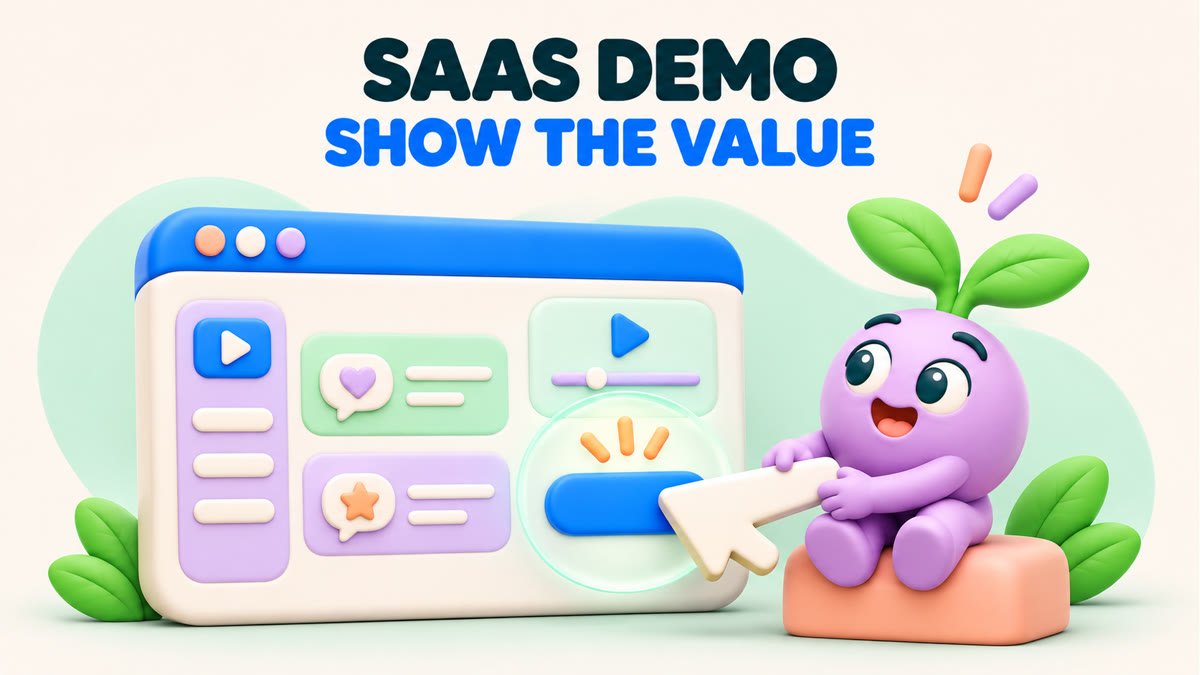
A SaaS product demo video shows software completing a useful task. It helps a potential buyer understand what the product does, how the workflow fits their needs and what to explore next. The strongest starting point is a real customer question, followed by a visible answer inside the product.
For a B2B marketing team, that means choosing the audience and workflow before choosing transitions or music. This guide explains how to structure the demo, write a focused script, prepare accurate interface visuals and review the finished video. It also includes an example you can adapt to your own product.
What should a SaaS product demo video show?
Show the path from a recognisable situation to a meaningful result. Viewers should understand the task, the important actions and what changes after those actions. They do not need to see every setting or menu to evaluate the workflow.
- The user: identify the role or team the video is for.
- The task: establish the question or job they need to complete.
- The workflow: show the relevant actions in the correct order.
- The result: make the change visible and explain why it matters.
- The next step: offer a relevant tour, trial or conversation that your business actually provides.
A demo often complements an explainer video. The explainer can introduce the broader problem and product idea; the demo can provide a closer look at how the software works. Choose the format around what the viewer needs to understand.
Related guide: explainer video or product demo?
Choose one audience and one main workflow
Write a brief that finishes this sentence: ‘After watching, this viewer should understand how to…’ A useful answer names a task, such as grouping customer feedback into a theme. ‘Understand our entire platform’ leaves the production team without a clear boundary.
Select the workflow that helps the intended buyer evaluate the product. A product manager might need to see how feedback informs a decision. An administrator might need to understand permissions. Those questions may deserve separate videos, with different demonstrations and supporting information.
Build the story around a visible change
Start with the situation
Give viewers enough context to recognise the problem. For a customer-feedback tool, that might be requests scattered across several teams. Keep the introduction connected to the workflow you will actually demonstrate.
Show the important actions
Follow a sequence viewers can track. Establish the starting screen, highlight the action, then show the resulting state. If several clicks are routine, simplify their presentation while preserving the real steps and any conditions that matter.
Make the outcome clear
Explain what the user can now see or do. A grouped set of requests is more concrete than a vague promise to ‘transform productivity.’ Any claim about time saved, revenue or customer outcomes needs appropriate evidence and context.
Offer a logical next step
Match the invitation to the viewer’s stage. Someone discovering the product may benefit from a fuller tour. Someone evaluating a specific workflow may be ready to discuss their requirements. Make sure the destination delivers what the video promises.
A SaaS product demo video script example
The following example is for a fictional customer-feedback platform. It illustrates a script structure, rather than a claim about an Anigem client or a real product. The demonstration assumes the fictional software can collect requests, group them and link them to a planned improvement.
Customer feedback arrives through several teams. When requests live in separate notes, it can be hard to see what keeps coming up. Bring those requests into one shared view. Select a theme to compare the comments behind it, then connect the relevant feedback to a planned improvement. Now the product team can review the request, see the context and understand the next step in one place. Explore a product tour to see how the workflow could fit your team.
Pair the opening with a view of the scattered requests. Then show the shared list, the selected theme and the linked improvement. Give each screen a clear reason to appear. Read the narration against a rough edit to check whether the important actions have enough time to register.
Use our explainer video storyboard planning guide
Use accurate screens and purposeful UI animation
Prepare a current demo account and an approved sample dataset. Confirm the feature names, interface version and product path before recording or animating. Keep private customer information out of the working assets and have a product owner check the demonstration.
Screen recordings can show actual behaviour. Designed interface animation can help isolate a detail, control pacing or reposition elements for readability. Whichever approach you use, keep important states and capabilities faithful to the product.
Wistia’s software-video guidance makes a similar distinction: animation can improve the presentation, but the experience shown should still match what users can expect. It also recommends allowing time for viewers to absorb the capabilities being demonstrated.
Source: Wistia’s software product video guidance
Keep labels readable at the intended viewing size. Use a highlight or a close-up when a detail matters, and avoid several competing movements at once. Review captions, cursor positions and final crops on a phone as well as a larger screen.
A production checklist for B2B marketing teams
- Audience: name the viewer and the decision the video should support.
- Scope: approve one main workflow and the features included.
- Script: connect every statement to a visual, with evidence for measurable claims.
- Assets: supply current screens, sample data, logos, fonts and brand guidelines.
- Storyboard: review the sequence before producing the complete animation.
- Approvals: identify who checks product accuracy, marketing language and design.
- Delivery: confirm placement, formats, captions, thumbnail and call-to-action destination.
- Maintenance: record the interface version and keep editable assets for future updates.
A shared review document helps the team resolve comments against the same brief. Flag factual corrections separately from preferences about pacing or visual style, so the most important changes remain easy to identify.
Publish the demo with useful context
Place the video where it answers a relevant question. A feature page, sales follow-up or onboarding resource may need different supporting copy and a different next step. Describe the workflow clearly in the video title and thumbnail.
If Google video features are part of your distribution plan, its guidance calls for a dedicated watch page where watching that specific video is the main purpose. It also covers discoverable embeds, stable thumbnail URLs and metadata that matches the video. An ordinary product page can still serve its own purpose, but adding a video does not automatically make it a watch page or guarantee a video result.
Source: Google Search Central’s video SEO best practices
Measure the demo against its purpose. Review viewing behaviour alongside relevant product-tour visits, trial actions or qualified enquiries. Consider the audience and traffic source before attributing a change in results to the video alone.
Common questions about SaaS demo video production
How long should a SaaS product demo video be?
Use the workflow and placement to set the scope. A focused feature demonstration needs different detail from a substantial evaluation walkthrough. Test the script and rough edit, then remove repetition while keeping the steps understandable.
Should the demo use animation or a screen recording?
A screen recording can demonstrate real behaviour, while animation can clarify a complex transition or highlight an important detail. A combined approach may suit the story. Choose based on accuracy, readability and how the video will be maintained.
How much does a SaaS demo video cost?
The scope depends on the script, interface assets, custom animation, narration, review rounds and required versions. Give studios the same brief so quotes cover comparable work. Ask what is included in revisions, delivery files and later product updates.
Related guide: how to compare explainer video production quotes
Plan your SaaS product demo with Anigem Studio
Anigem Studio creates product animation, demo videos and motion design to help businesses explain their offer. Share your target audience, the workflow you want to show and the current product assets. We can discuss a script and visual approach suited to the task.
Explore our product animation and demo video services
Talk to Anigem Studio about your product video
← All studio notes