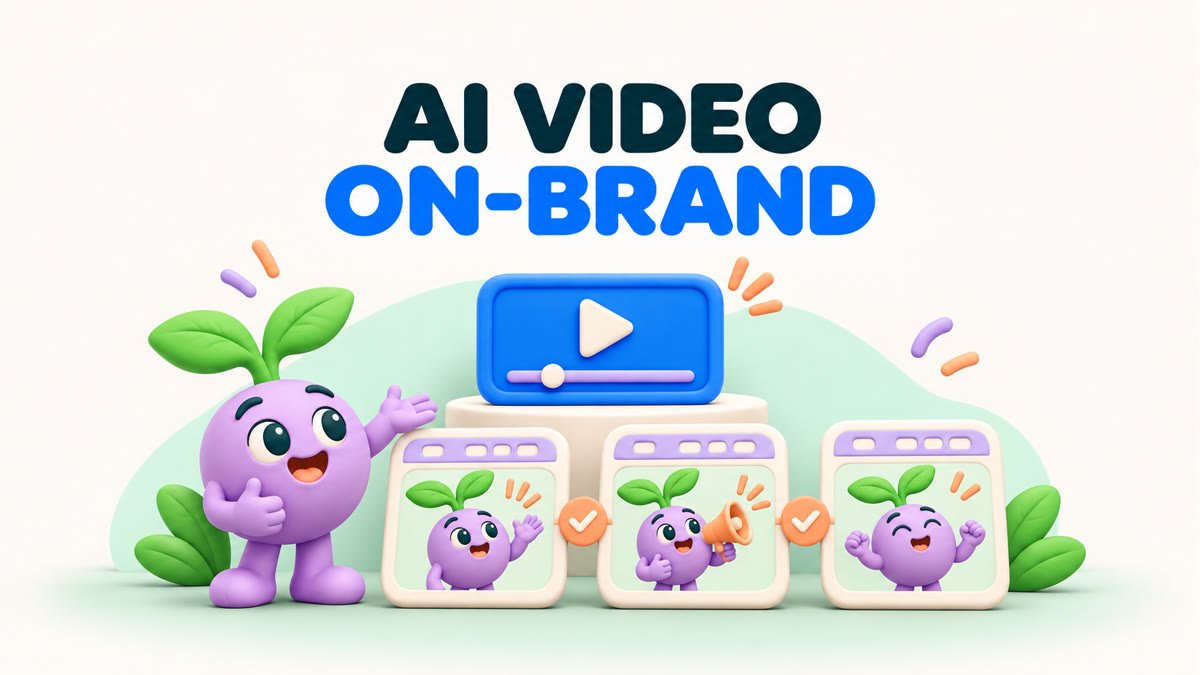
One AI-generated shot looks polished. Then the next shot changes your mascot’s face, your product’s shape or the colour of its packaging. Each clip may work on its own, but together they feel like different campaigns. For a business, that creates a problem: viewers need to recognise the same brand throughout the video.
AI video brand consistency means keeping recognisable characters, product details, visual rules and messaging coherent across a sequence. The practical solution is a controlled production process: approve the references, plan the shots, protect important brand assets and review the whole edit. Here is how to apply that process to an explainer video, product launch or social campaign.
Why brand consistency is a timely AI video topic
Recent creative-tool announcements show a growing focus on repeatable brand workflows. In November 2026, Adobe described Firefly updates that support customisation around colours, brand guidelines, characters and products. Its Firefly Graph workflow tool was announced in beta. Earlier in 2026, Google described reference-image video features designed to improve consistency of characters, objects and visual style.
Source: Adobe’s November 2026 Firefly announcement
Source: Google on reference-image video workflows
These developments make reference-led production a useful approach to explore. They do not remove the need for human review. Features, access and results vary by tool, and a generated clip still needs to match the approved brief before it becomes part of your brand’s final video.
1. Build a small, approved brand reference pack
Start with a shared source of truth rather than a new description for every shot. Gather the assets that explain what your brand looks like and what the video must communicate. Agree on these before generating a full sequence.
- Character reference: front, side and three-quarter views, proportions, expressions and distinctive features.
- Brand rules: approved colours, typography, illustration style and examples of the right tone.
- Product reference: current packaging, product photographs or accurate screenshots of the software.
- Messaging: the approved script, confirmed feature names and a clear call to action.
- Storyboard: the purpose of each scene and how it connects to the next.
Remove outdated versions from the working pack. A perfect reference workflow will still produce the wrong result if one scene uses an old interface and another uses the latest product. Give the approved pack a version name so everyone reviews against the same material.
Related guide: how to plan an explainer video storyboard
2. Decide what must stay fixed across shots
Separate identity from performance. Your character can wave, turn and react while keeping the same silhouette, face, clothing and colours. Your product can move through a scene while keeping its shape, controls and branding. Write those fixed details into a short continuity checklist.
Then define the details you can change: the action, framing, background or camera movement. Change only what the scene needs. If every shot introduces a different visual style, lighting setup and character description, it becomes harder to see which decision caused a mismatch.
A useful production question: what should viewers recognise immediately when this shot changes?
3. Plan short shots with one clear job
A shot that asks a character to walk, transform an object, demonstrate a feature and deliver several messages creates many things to review. A simpler shot can communicate one action clearly and give the editor a more predictable building block.
Create a test sequence before committing to the whole film. Use the same reference pack in two or three connected shots, then compare the results side by side. Check the character’s proportions, eye placement, leaf or hair shape, material and lighting. Approve the visual direction only after it works across cuts.
Example: a fictional SaaS onboarding campaign
Imagine a fictional task-management product with a lilac mascot. Shot one introduces the mascot beside a cluttered workspace. Shot two shows the approved product interface organising tasks. Shot three returns to the same mascot beside the finished result. The mascot’s identity stays fixed; the action changes to support the story. This is a planning example, not a claim about a client project or campaign results.
4. Keep logos, copy and critical product details editable
A product explainer has to communicate accurate information. Do not rely on a generated frame to reproduce a legal disclaimer, an exact logo, a pricing table or an important interface label correctly. Add those elements from approved assets in the animation or editing stage, where they can be checked and revised.
For SaaS videos, use current screenshots, screen recordings or deliberately designed interface animation for feature demonstrations. AI-generated imagery can support a visual metaphor or background, but a made-up dashboard should not be presented as a real product feature. Keep a clear distinction between conceptual storytelling and an actual product walkthrough.
Explore Anigem Studio’s explainer video services
5. Review continuity in the edit, not just in individual clips
A clip can look convincing until it sits beside the previous one. Review the sequence as viewers will experience it, then pause on the cuts. Ask one person to review visual continuity and another to verify the product information. Separate those tasks so attractive animation does not distract from factual errors.
- Identity: does the same character or product remain recognisable in every shot?
- Colour and material: are the approved palette, surface finish and lighting coherent?
- Action: do gestures and object interactions make sense at normal playback speed?
- Product accuracy: do interface states and feature names match the approved source?
- Brand assets: are logos, captions and calls to action correct and readable?
- Delivery: do the final crops preserve important content on desktop and mobile?
Record issues against a shot number and reference image. ‘Match the approved two-leaf silhouette in shot 03’ gives the production team a clearer correction than ‘make it more on-brand.’ Review again after revisions, because fixing one detail can introduce another inconsistency.
When custom motion design is the better choice
Some scenes need exact control: a recurring mascot, a precise interface demonstration, a product mechanism or a series of localised versions. In those situations, editable character animation and motion graphics can be a more practical foundation. You can revise the required elements without regenerating the entire shot.
A mixed workflow can also make sense. Use generated imagery where variation is acceptable, then use custom animation for brand-defining moments, product behaviour and final typography. Choose the technique scene by scene, based on what must stay accurate and what you will need to update later.
Related guide: AI motion graphics for business
Common questions about consistent AI brand videos
Can AI keep the same character across multiple scenes?
Reference-based workflows can help, but consistency is not automatic. Use an approved character sheet, test connected shots and review the results. If a precise recurring identity is essential, consider a controllable character animation workflow for those scenes.
Should every shot use the same prompt?
Keep the identity and visual rules stable, then change the description of the action to fit the storyboard. Repeating identical words alone is not a substitute for consistent references, a clear brief and review of the final sequence.
What should a business prepare before production?
Prepare the approved script, brand guidelines, current product assets, character references if needed, delivery formats and the name of the person who can approve product accuracy. That gives the studio a practical starting point for choosing a production method.
Plan a brand video that feels like one coherent story
At Anigem Studio, we create explainer videos and motion design that help businesses communicate clearly. Share your product, audience and existing brand assets, and we can discuss a visual approach that fits the message. Bring reference examples and any details that must stay exact throughout the video.
Talk to Anigem Studio about your next video
Explore our animation case studies
← All studio notes