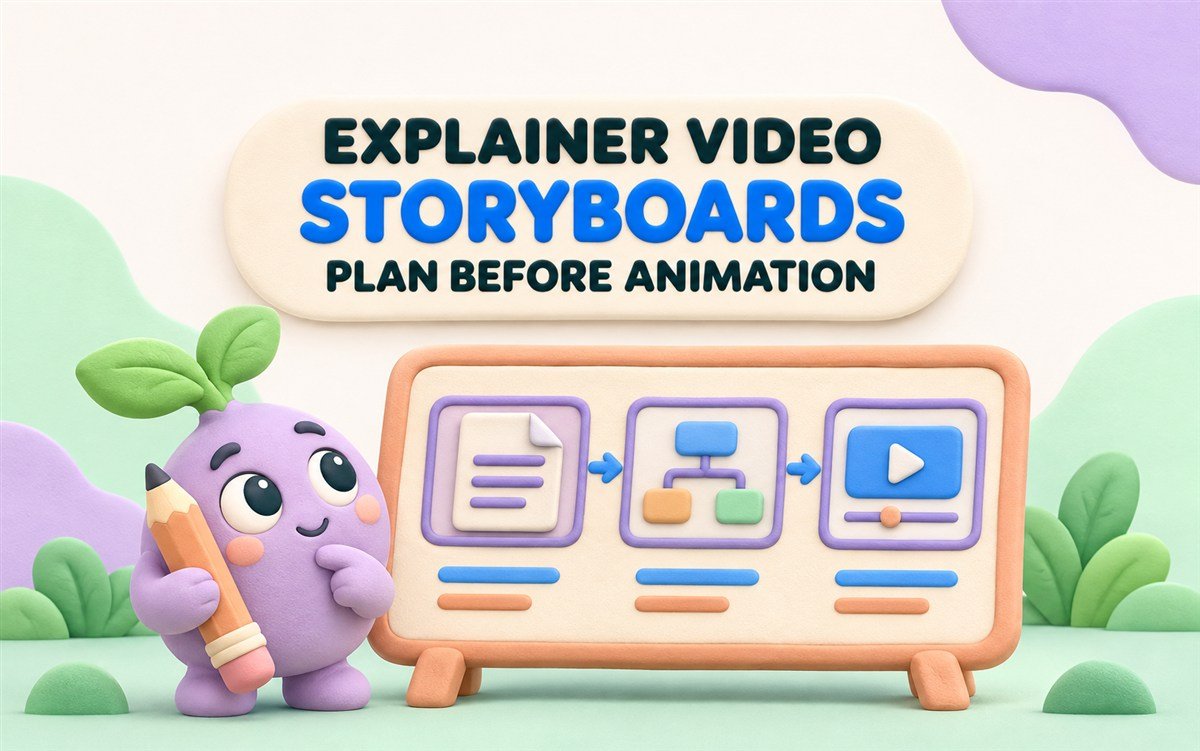
An explainer video storyboard connects the script to a sequence of visual panels and action notes. It shows what the audience will see, how the explanation develops, and which details need confirmation before animation.
For a business commissioning a video, it is a practical review document. You can use it to check the message, product facts, scene order, and proposed visual approach while the sequence is still being developed.
What should an explainer video storyboard show?
Adobe describes a storyboard as a sequence of panels mapping a video scene by scene, with information such as visuals, dialogue, and sequencing notes. For an explainer, the panel should make the relationship between the spoken idea and the visible action clear.
Read Adobe’s introduction to storyboards
- Panel identifier. Give reviewers a clear way to refer to the scene.
- Scene purpose. State what the viewer should understand at this point.
- Visual composition. Show the main subject, important text, and layout.
- Spoken wording. Include the relevant narration or dialogue.
- Action and transition. Explain what changes and how the sequence continues.
- Source and review notes. Identify required product material, facts, and open questions.
The amount of detail should support the decision being reviewed. A rough composition can establish the sequence, while a separate design frame can help agree on the finished visual style.
Start with the explanation
Read the script and identify the moments where the audience needs to see something happen. A sentence about a process may need several connected views. A sentence introducing one idea may work in a single composition.
Give each panel a clear purpose. If the narration describes a person finding a file, decide what the viewer needs to recognize, which action happens, and what result becomes visible.
Review the sequence in order so the visual meaning carries from one panel to the next. A recurring object or graphic can give viewers a reference as the explanation develops.
A four-panel explainer storyboard example
Consider an animated introduction for a fictional document-digitisation service. The proposed message is that a business can move from paper files to an organized digital collection. The following draft panels are illustrative and would need confirmation against the actual service.
Panel 1. Establish the situation
When documents are spread across paper folders, finding the right file can interrupt the task you are working on.
Show a person looking for a file among a small set of folders. Use a clear focal point and enough context to establish the audience’s situation.
Review whether the scenario matches the intended customer and which kinds of documents the service actually handles.
Panel 2. Introduce the process
Our process brings your documents into an organized digital collection.
Use a simple sequence representing preparation, scanning, and organization. Keep the graphic elements connected so viewers can follow the same material through the stages.
Confirm which stages the service includes and what each one means. Any collection, preparation, or indexing requirement should be reflected accurately in the script.
Panel 3. Make the result concrete
Use the agreed folders and labels to return to the document you need.
Show a representative view of the organized files and the action needed to locate a document. The production notes should identify the approved material required for that view.
Confirm how customers receive and access the files. Check whether the proposed screen and wording match the actual delivery and retrieval experience.
Panel 4. Offer the next step
Discuss the documents you need to organize and the workflow your team will use.
Show a clear invitation to the relevant contact or information page. Give the audience time to understand the next step.
Check that the destination provides the conversation or information the video promises.
Keep open questions visible
A storyboard can reveal information the team still needs. Mark the question beside the affected panel and identify who can resolve it.
For the document-service example, panel 3 might need confirmation of the file structure and the screen used to find a document. Record that requirement before detailed artwork is produced.
When a reviewer supplies a decision, update the wording, visual note, and source reference together. The next review should use the same current version.
Separate sequence review from visual-style review
In the sequence review, ask whether the story makes sense, the facts are accurate, and the audience receives the information it needs. In the visual-style review, confirm typography, color, illustration, composition, and relevant brand treatments.
Adobe’s storyboarding guide explains that drawings can vary in detail while still providing a clear production reference. That supports reviewing the necessary information at each stage.
Explore Adobe’s guide to the storyboarding process
Keep representative design frames with the storyboard when they are part of the scope. Reviewers can then connect the proposed sequence to the intended finished appearance.
Check timing with a rough sequence
Play the panels in order alongside a temporary narration track or a spoken read-through. Include pauses for reading, product actions, and the final invitation.
Watch for a scene where the words move faster than the visible explanation. A diagram may need time to establish what its labels represent before an object moves between stages.
For a product screen, confirm that the important action and resulting state are visible at the planned size. Use the rough sequence to adjust the explanation before the finished animation review.
Give feedback the production team can act on
Refer to the panel and describe the issue a viewer would encounter. Then identify the required change or the decision that needs discussion.
In panel 3, the proposed screen does not show the labels mentioned by the narrator. Please use the approved retrieval view and revise the visual note so we can confirm the action and result together.
Collect comments into an agreed review record. Confirm the updated sequence and any changes to the scope before the next production stage.
Adapt the storyboard to the audience
A launch video needs to establish what is being introduced, who it concerns, and what the viewer should do next. Its storyboard should include the product evidence needed to support that announcement.
Plan a B2B product launch video
An onboarding video needs a recognizable starting state, accurate actions, and a visible completion cue. Its storyboard should let reviewers follow the task from beginning to end.
Explore our guide to SaaS onboarding videos
What to approve before animation
- The main message and the intended audience.
- The scene order and purpose of each panel.
- The spoken wording and important on-screen copy.
- The product or service facts each scene communicates.
- The source material and visual references required.
- The review decisions, remaining questions, and next approval stage.
If a new requirement changes the scenes or assets, discuss its effect on production with the team. The storyboard gives everyone a shared reference for that conversation.
See how to compare explainer video production quotes
Plan your explainer storyboard with Anigem Studio
Send Anigem Studio the message, audience, approved product or service information, and any existing script. Include the required formats and visual references so we can discuss the storyboard, design direction, and production scope.
Discuss your explainer video storyboard with Anigem Studio
← All studio notes