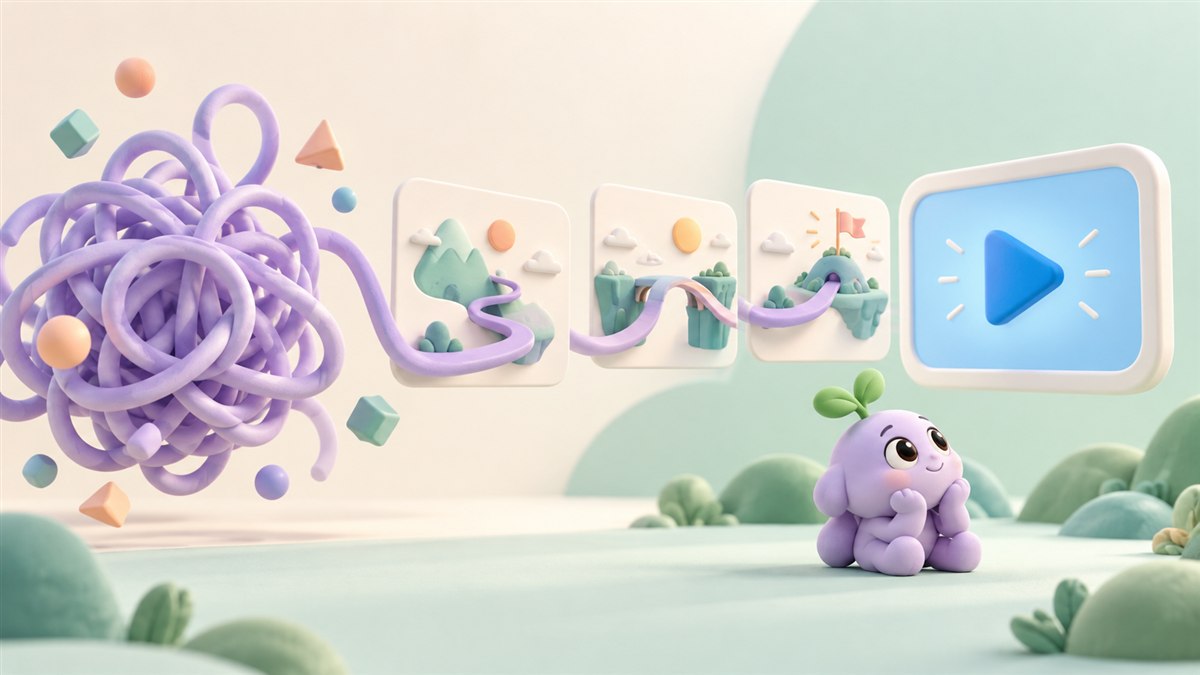

Give the video a job before giving it a style
“We need a video” is a starting point, but it is not yet a brief. A useful brief names the audience, the question the video should answer, and the action that comes after it.
The ten goals below are ways to focus that decision. They are not promises about performance. Choose a primary goal, decide where the video will appear, and agree on how you will judge whether it is helping.
1–3. Help people notice, understand, and learn
1. Introduce your brand
A brand introduction can make your name, point of view, and offer easier to recognise. Give the viewer one clear idea to associate with you, rather than listing everything the business has ever done.
2. Show your product in action
Demonstrate a useful outcome in a real situation. A short product story can connect an unfamiliar feature to a problem the viewer already understands.
3. Educate your audience
Answer a question that comes up before or after a purchase. Educational videos can explain a concept, clarify a process, or help someone take a practical next step. Link to supporting information when the topic needs more depth.
4–6. Make the offer feel relevant and believable
4. Introduce your offer to a new audience
Adapt the examples, terminology, and context to the people you want to reach. A familiar story for one industry may need a different explanation for another. Check that translations and visual references make sense for the intended audience.
5. Share genuine proof
Customer feedback or a clear demonstration can help someone assess an offer. Use approved, accurate material and explain the context. Avoid presenting an individual customer’s result as something every customer will achieve.
6. Explain a specific use case
Instead of telling the whole product story again, show how it supports one task. A focused example can help the right viewer recognise whether the product is relevant to their situation.
7–8. Continue the conversation with a clearer message
7. Support a follow-up campaign
A viewer returning to your offer may have a different question from a first-time visitor. A follow-up video can address a common uncertainty or show a practical example. Plan distribution and any audience targeting with the platform’s current rules in mind.
8. Give the brand a consistent story
Animation, voice, pacing, and language can work together to make a brand feel recognisable. Agree on the key message and visual approach before producing a collection of unrelated assets.
9–10. Support decisions throughout the journey
9. Help a sales conversation
A concise overview can explain the basics before a meeting, leaving more room for the prospect’s specific questions. Make it easy for someone to find the relevant product or service information after watching.
10. Build content for different stages
A first introduction, a product explanation, and a practical tutorial serve different needs. Plan them as connected pieces, with each video leading to a useful next step. You may be able to adapt parts of an existing production, but each edit should still make sense on its own.
Choose a useful measure for the goal
For an introduction, you might look at whether the intended audience is watching and remembering the message. For a product video, useful signals might include visits to the relevant product page or the questions people ask afterwards. For a tutorial, look at whether viewers can finish the task.
Use measures that fit the channel and business context. Views alone will not tell you whether the video answered the right question. Where possible, compare performance with an appropriate baseline and consider other changes happening at the same time.
Not sure where to start? Explore Anigem Studio’s animation and content services or tell us the goal you want to work towards. The creative direction can follow from there.