
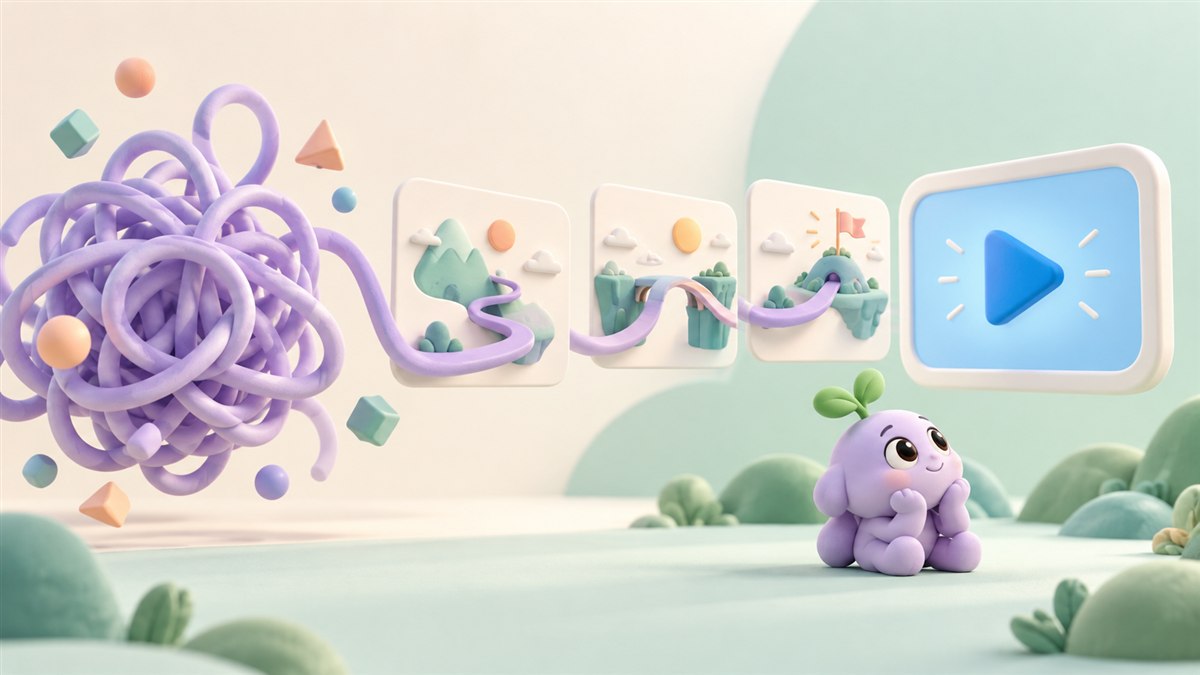
You know your product inside out. A first-time visitor does not. They arrive with a problem to solve, a few questions, and little context for the features your team has spent months building.
An animated explainer video can bridge that gap. It gives an unfamiliar idea a visible shape and shows how it fits into a person's working day. The useful starting point is a clear question: what should someone understand after watching?
Here is how to turn a complicated product into a story people can follow, without losing the details that make it valuable.
What is an animated explainer video?
An animated explainer video uses illustration, motion, narration, and on-screen information to explain an idea. It might introduce software, describe a service, or show how a process connects several people and systems.
Its main job is to help a particular audience understand a particular message. A product introduction might explain why a service exists. An onboarding video might explain what happens after someone signs up. Each needs its own focus.
Start with the question your customer is asking
Products often feel complicated because the explanation starts too far inside the business. Internal terminology, feature names, and technical architecture may matter to your team before they matter to a visitor.
Choose one audience and write down the question bringing them to the page. For a project manager, that might be: "How do I stop important requests getting lost between teams?" For an IT buyer, it might be: "Where does this tool fit into our existing workflow?"
These questions need different stories. Define the audience before deciding which characters, diagrams, or animation style to use.
- Name the person who needs this explanation.
- Describe the problem in words they would use.
- Choose the one idea they should remember.
- Decide what useful next step the video should offer.
Show a real situation before introducing features
Consider a fictional platform that brings customer requests from several channels into one shared workspace. Its feature list might mention automated routing, custom fields, status tracking, and reporting. Those labels describe the system, but they do not yet show why someone should care.
A clearer story could follow one request through a busy working day. Messages arrive in different places. A team member struggles to find the latest answer. The platform gathers the request, assigns an owner, and makes its progress visible.
The animation now has a practical sequence to show:
- A request arrives while the team is handling other work.
- Scattered messages make responsibility unclear.
- The shared workspace gives the request a visible owner and status.
- The team can follow the next step without searching through every channel.
This is an illustrative example, rather than a claim about a particular product. When planning your own video, check every step against what the product actually does. A visual shortcut should never suggest a capability you cannot deliver.
Let the storyboard do the explaining
Before polishing the animation, sketch the key scenes. A storyboard makes it easier to see whether the explanation holds together when someone encounters it for the first time.
Give each scene a clear job. One scene can establish the problem, another can show the product's role, and another can make the outcome concrete. If a scene introduces several new ideas at once, consider separating them.
Pair the words with the action. When narration describes a hand-off, show the hand-off. When it describes a change in status, let the viewer see that change. Decorative movement can add personality, but the important motion should support the explanation.
Read our guide to writing an explainer video script
Choose visuals that make the invisible visible
Animation is useful when the thing you need to explain cannot be captured in a simple camera shot. A data flow, an approval process, or the relationship between several services may need a visual model.
Use that freedom carefully. A line can represent a connection. A group of cards can represent incoming tasks. A character can give the audience someone to follow. Keep those meanings consistent so the viewer does not have to decode a new visual language in every scene.
For software, combine simplified interface elements with accurate product behaviour. If the viewer needs to learn exact buttons and steps, a focused product demo may be the better format, or a useful companion to the explainer.
Compare an explainer video with a product demo
Plan for the place people will watch
A website introduction, a sales presentation, and a social post give viewers different amounts of context. Plan the main version around its actual placement, then decide which shorter or differently shaped versions are worth creating.
Check that important text remains readable on a phone. Give viewers controls over playback, and keep the main idea available in the surrounding page copy as well as in the video.
Include accessibility in the brief. W3C's media guidance recommends planning accessibility from the start, with captions, descriptions of important visual information, transcripts, and accessible player controls as appropriate to the content and audience.
Explore W3C's guidance on accessible audio and video
Check understanding before judging performance
Show the storyboard or rough animation to someone unfamiliar with the product. Ask them to explain the idea back to you. What problem does it solve? Who is it for? What would they do next? Their answers can reveal missing context before the final animation is produced.
After publication, choose measures that match the video's job. A product introduction might support visits to a relevant service page or qualified enquiries. An onboarding video might support completion of a specific task. Views and watch time can provide context, but neither proves that the viewer understood the message.
Choose a useful goal for your marketing video
Common questions about animated explainer videos
How long should an explainer video be?
Start with the message and placement, then test the script aloud. Keep enough time for the explanation to make sense and remove material that serves a different audience or question. There is no single duration that suits every product.
Can animation explain technical software?
Yes, when the visual model is accurate. Use diagrams and simplified interfaces to introduce the concept, and involve someone who understands the product in the review. A detailed walkthrough can handle the practical steps separately.
Will an explainer video guarantee more enquiries?
No. Results also depend on the offer, audience, website, distribution, and next step. Give the video a clear purpose and measure its contribution alongside the rest of the customer journey.
Bring a clearer brief to your animation studio
You do not need a finished script to start a conversation. Bring a short product description, the audience you want to reach, the question you need to answer, and the page or channel where the video will appear. Existing product screens or a simple workflow sketch can help too.
At Anigem Studio, we can help shape that information into an animated story. Share the idea you need to explain, and we can discuss an approach that fits your audience and project.
Explore our animated explainer video service
Talk to Anigem Studio about your video
← All studio notes