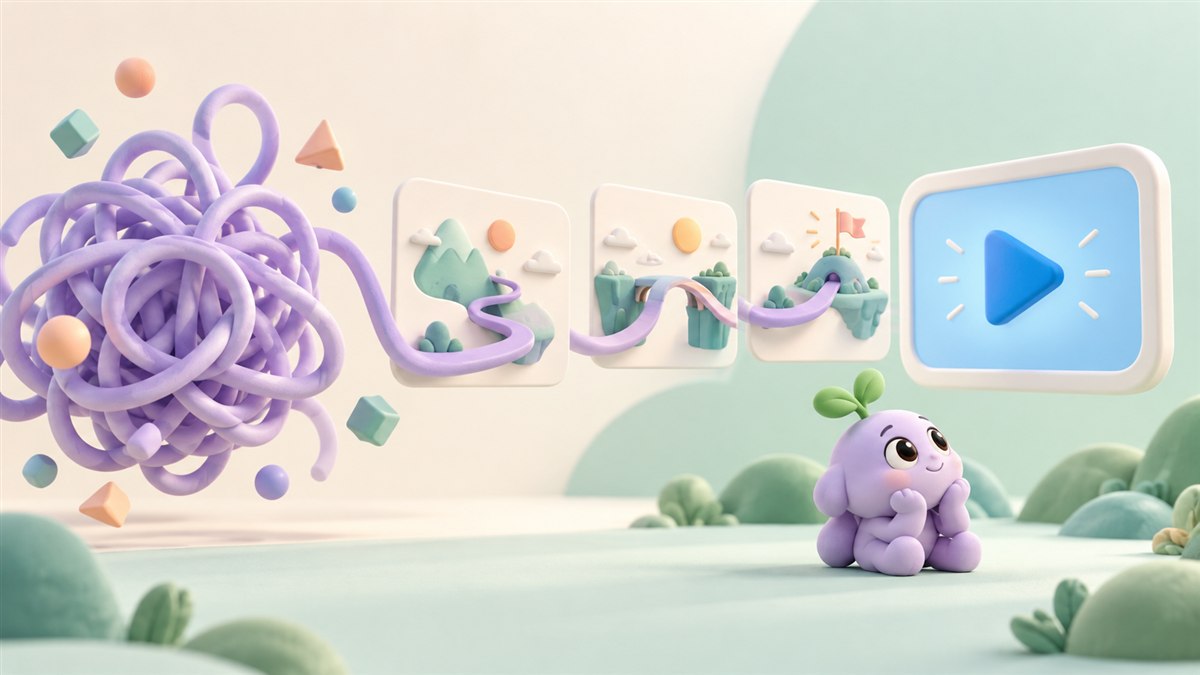
A SaaS product can have a useful feature and still be difficult to explain. A dashboard screenshot shows the interface, but it may not show why someone would open it, what happens next, or how it helps them finish a task.
SaaS product animation connects those moments. It can follow a request through a workflow, make an integration visible, or introduce a new feature in the context of a real job. The aim is to give your viewer a clear picture of the software's value and a useful reason to explore it further.
What is SaaS product animation?
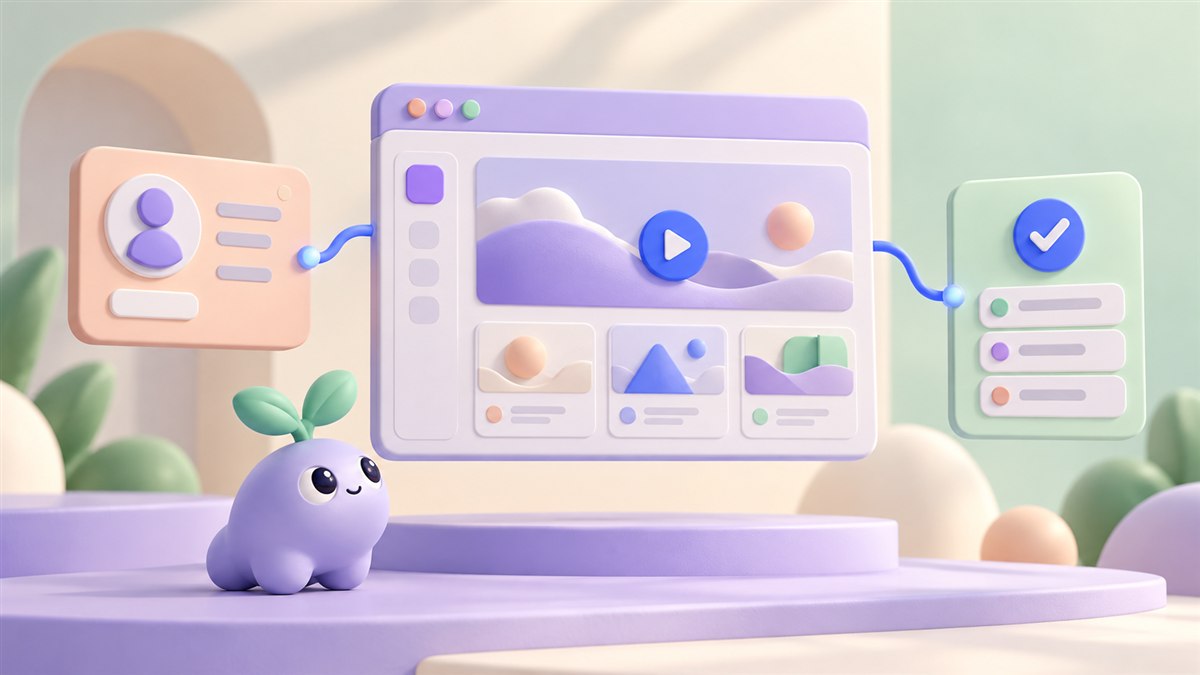
SaaS product animation uses motion to demonstrate or explain software delivered as an online service. It may combine animated interface elements, screen recordings, diagrams, typography, and illustration.
For example, a video might show a customer enquiry arriving, being assigned to the right person, and moving towards a resolution. The animation draws attention to the important changes while leaving out unrelated menus and settings.
Here, we are talking about videos and marketing visuals for a software product. Motion inside the app itself, such as an animated loading indicator or button state, is a separate design task.
Give each video one job
Before choosing a style, decide where the video belongs in the customer journey. Someone discovering your product needs a different explanation from someone who has already started a trial.
- Product introduction: explain who the software is for, the problem it addresses, and its main value.
- Feature launch: show a specific capability and the situation in which it is useful.
- Product demo: follow a realistic task through the relevant interface steps.
- Onboarding: help a new user complete a defined action, such as inviting a teammate.
- Sales follow-up: answer a particular question that came up during a conversation.
A single film can introduce the product, but it does not need to carry every tutorial and feature announcement too. Plan a focused main story and identify which questions deserve their own short explanations.
Read our comparison of explainer videos and product demos
Build the story around a workflow
Imagine a fictional SaaS platform that helps teams manage customer onboarding. An opening tour of every dashboard widget would ask the viewer to work out the connection between features. A workflow gives those features a purpose.
The story could begin with an account manager preparing a new customer's welcome plan. They select a template, assign the next task, and check that the customer has completed the required steps. Each scene answers a practical question.
- Situation: a new customer needs a clear onboarding plan.
- Action: the account manager creates the plan from an appropriate template.
- Progress: a task is assigned and its status changes when completed.
- Outcome: the manager can see what is finished and what needs attention.
This example illustrates a storytelling structure, rather than the capabilities of a real product. For your own video, have a product specialist check the sequence. Do not animate an automatic action if the software actually requires a manual step.
Use interface animation with a clear purpose
The viewer should be able to tell what changed and why it matters. A cursor movement can direct attention to an action. A card moving between columns can show a status change. A highlighted connection can explain how two systems exchange information.
Keep the visual language consistent. If blue identifies the active task in one scene, preserve that meaning in the next. Give important changes enough screen time to be noticed, and avoid moving several unrelated elements at once.
Simplified UI can help introduce a concept. Exact interface footage is more useful when someone needs to learn the real clicks. Choose the level of detail around the video's purpose, and keep the product behaviour accurate in either format.
A practical SaaS animation production process
1. Agree on the audience and message
Write down the viewer's role, their current problem, and the one thing they should understand. Collect approved product screens, a working demo, brand guidance, and the action you want viewers to take next.
2. Write the script and sketch the scenes
Describe the situation before listing features. Pair each important line with an action that can be shown. A simple storyboard lets the team review the logic before detailed design and animation begin.
Explore our guide to writing an explainer video script
3. Establish the visual style
Choose how closely the animation should follow the real interface. Agree on the typography, colours, transitions, and any illustration. Check small text at the size people will actually watch, especially on phones.
4. Animate and review the product behaviour
Build a rough version to test the sequence and pacing. Ask someone unfamiliar with the software to describe the workflow back to you. Product reviewers should also check the order of actions, labels, permissions, and any claims about the result.
5. Prepare sound, accessibility, and delivery
If using narration, make sure it adds information without competing with dense on-screen text. Plan captions and a transcript, and make important visual information available through description where needed. W3C's media guidance explains how to plan these elements alongside an accessible player.
Read W3C's guidance on accessible audio and video
Export the versions needed for the agreed placements. A website video, a vertical feature clip, and a presentation loop may need different framing and pacing, even when they share the same core assets.
Common mistakes to avoid
- Starting with a wall of features before establishing the user's problem.
- Shrinking an entire desktop interface into a phone-sized video frame.
- Using constant movement when the viewer needs time to read or compare.
- Showing placeholder capabilities that the released product does not support.
- Recording customer names, private messages, or other sensitive information in demo screens.
- Finishing the video without a relevant next step.
Review the surrounding page too. A useful animation should work alongside a clear headline, supporting copy, and an appropriate call to action. The video cannot resolve an unclear offer on its own.
Measure the action the video supports
Set the evaluation plan before publication. For a product introduction, you might track visits to the demo page and qualified demo requests. For onboarding, you might track whether people complete the task the video explains.
Watch time and completion rate can help you spot sections worth reviewing. They do not establish understanding by themselves, and a change in results may also reflect differences in traffic, placement, or the offer. Combine viewing data with user feedback and the relevant product or website action.
Questions about SaaS product animation
How long should a SaaS product video be?
Use the time needed to explain the chosen task clearly. A feature announcement can focus on one change; an onboarding walkthrough may need more context. Test the script and storyboard rather than adding scenes to meet an arbitrary runtime.
Is animation better than a screen recording?
Each serves a useful purpose. Animation can focus attention and explain a process that spans several screens. Screen recordings can show the exact interface and clicks. A hybrid approach can introduce the idea with motion and demonstrate the task with real product footage.
What affects the production scope?
The number of scenes, interface detail, custom illustration, narration, revisions, and delivery versions all affect the work involved. An agreed script and storyboard make it easier to estimate the project and review changes.
Can the video be updated when the software changes?
Plan for that during production. Identify screens likely to change, keep scene files organised, and agree on source-file handover and future updates. A modular feature sequence can be easier to revise than a single animation that tightly links every screen.
Planning a SaaS product animation?
Bring the product name, target audience, one workflow you want to explain, and the place the video will appear. Approved demo screens and a short description of the desired next step will help shape the brief.
At Anigem Studio, we can help turn that workflow into a clear product story, using animation and motion design that fit your brand. Share your software and the question your audience needs answered so we can discuss a suitable approach.
Explore our product animation services
Discuss your SaaS animation with Anigem Studio
← All studio notes