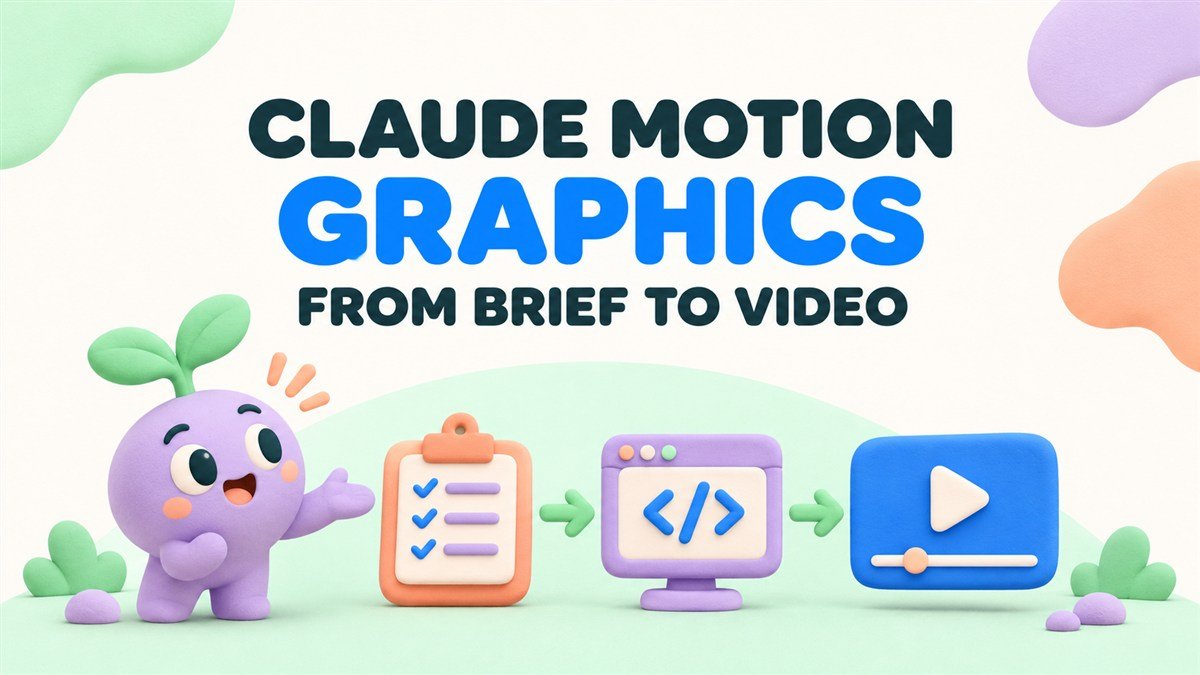
Claude motion graphics usually refers to animation developed with help from Claude, including workflows where a coding agent creates or revises a video project. One documented route combines Claude Code with Remotion, a framework for creating video using code.
For a business commissioning this work, the useful questions concern the finished message, the accuracy of the visuals, and how future changes will be made. Agree on those requirements before deciding how the animation should be built.
How does a Claude motion graphics workflow work?
Remotion documents a prompting workflow with coding agents including Claude Code. It also maintains a Claude Code plugin that helps create and edit Remotion projects. In this approach, the team develops a project, previews the animation, and prepares the required video output.
Read Remotion’s coding-agent video workflow
See Remotion’s Claude Code plugin documentation
The project can describe the layout, assets, text, timing, and movement. A production team still needs to decide what the viewer sees, check the animation in motion, and review the exported result.
Which business videos are worth exploring?
A project with defined text, repeated layouts, and a clear sequence gives the team concrete material to plan. Possible briefs include the following.
- A short product announcement with an approved headline and call to action.
- A process diagram in which stages appear in a deliberate order.
- A branded sequence of feature cards for a sales presentation.
- A set of related campaign videos sharing the same design structure.
- A visual explanation of approved data, with clear labels and a documented source.
These are project ideas to evaluate through a sample. The amount of design and production work depends on the specific scene, assets, motion, sound, and versions required.
Start with the message before the prompt
Define the intended audience and the question the video needs to answer. Then write the main message and the action you want the viewer to take next.
For a product workflow, identify which steps must be visible. For a campaign, identify the approved wording and the brand elements that connect the video to your business. This gives the prompt a concrete explanation to support.
Plan the message with our B2B video scriptwriting guide
An example brief for Claude-assisted motion graphics
Imagine a fictional data-integration service explaining a three-stage process to operations teams. The audience needs to understand where information comes from, what is checked, and where the result goes.
Create a short motion graphics sequence using the supplied brand palette and icons. Show three stages labeled Receive, Check, and Send. Introduce each stage in order, then show how the complete sequence connects. Use the approved headline and final invitation. Keep the labels, colors, icons, and scene timing easy for the production team to revise.
Before producing a finished video, review a storyboard that shows the meaning of each stage. The team should confirm what “Check” actually represents in the service and how the visual communicates that action.
A small diagram can be clear while still leaving an important question unresolved. Product review helps establish whether the sequence explains the real process.
What should stay editable?
Ask the team to identify the elements your business is likely to change. A project can be organized around those needs, with agreed fields and assets that a maintainer can find.
- Headlines, feature labels, captions, and the final invitation.
- Brand colors, type references, and approved logo or icon assets.
- Reading time and the duration of important actions.
- Data values and their accompanying labels.
- Layouts for the agreed website, presentation, and social formats.
Adobe’s graphics-package guidance describes using consistent fonts, colors, animation treatments, and textures across a set of elements. The same planning question is useful here. Agree on the visual rules the project should preserve as the content changes.
See Adobe’s guidance on a consistent motion graphics package
Review a change before approving the handover
Ask for one representative revision while the production team is still available. For example, replace a short feature heading with a longer approved one and review the new preview.
Check whether the layout remains readable and whether the text has enough time on screen. A project built to support updates should be reviewed with the kind of change you actually expect to make.
For the fictional integration video, a useful revision might change “Check” to a more specific approved label. That affects the wording, available space, and possibly the scene’s explanation. Review those parts together.
What should you receive with the final video?
Write the handover requirements into the scope. A finished playback file and the project used to create it serve different purposes, so identify both where they are part of the agreement.
- The approved video outputs in the required sizes and formats.
- The agreed project source and assets needed to work on it.
- A clear record of the fonts, supplied media, and other project requirements.
- Instructions for opening the project, previewing it, and producing an updated output.
- A named process for requesting changes after delivery.
Ask who will maintain the project and what support is included. The answer matters if your marketing team needs to update the video around a product release.
What should the quote include?
Discuss scripting, visual design, project setup, animation, narration, captions, versions, review stages, and handover. Include any recurring content changes you already expect.
The production method is one part of the scope. You still need to know which work is included, how feedback will be handled, and what counts as a change to the agreed brief.
Explore what to compare when hiring motion graphics services
Check the exported video before publishing
Review the final file as a viewer would encounter it. Confirm the wording, product facts, timing, audio, and framing. Watch any diagram transitions closely enough to check that the movement preserves the intended relationships.
- Can a viewer explain the main message after one viewing?
- Are labels readable on the intended device?
- Does the product or process shown match approved information?
- Do captions and narration match the final edit?
- Does the closing invitation lead to the promised next step?
- Can the agreed update process be followed using the handed-over material?
For a broader view of generated visuals, editable graphic elements, and AI-assisted production tasks, explore our companion guide.
Read our AI motion graphics guide for business videos
Bring your motion graphics brief to Anigem Studio
Send Anigem Studio the audience, intended message, brand material, and the versions you need. If you have an AI-assisted draft, include a preview and the changes you are considering so we can discuss the creative direction and production scope.
Discuss your motion graphics video with Anigem Studio
← All studio notes